



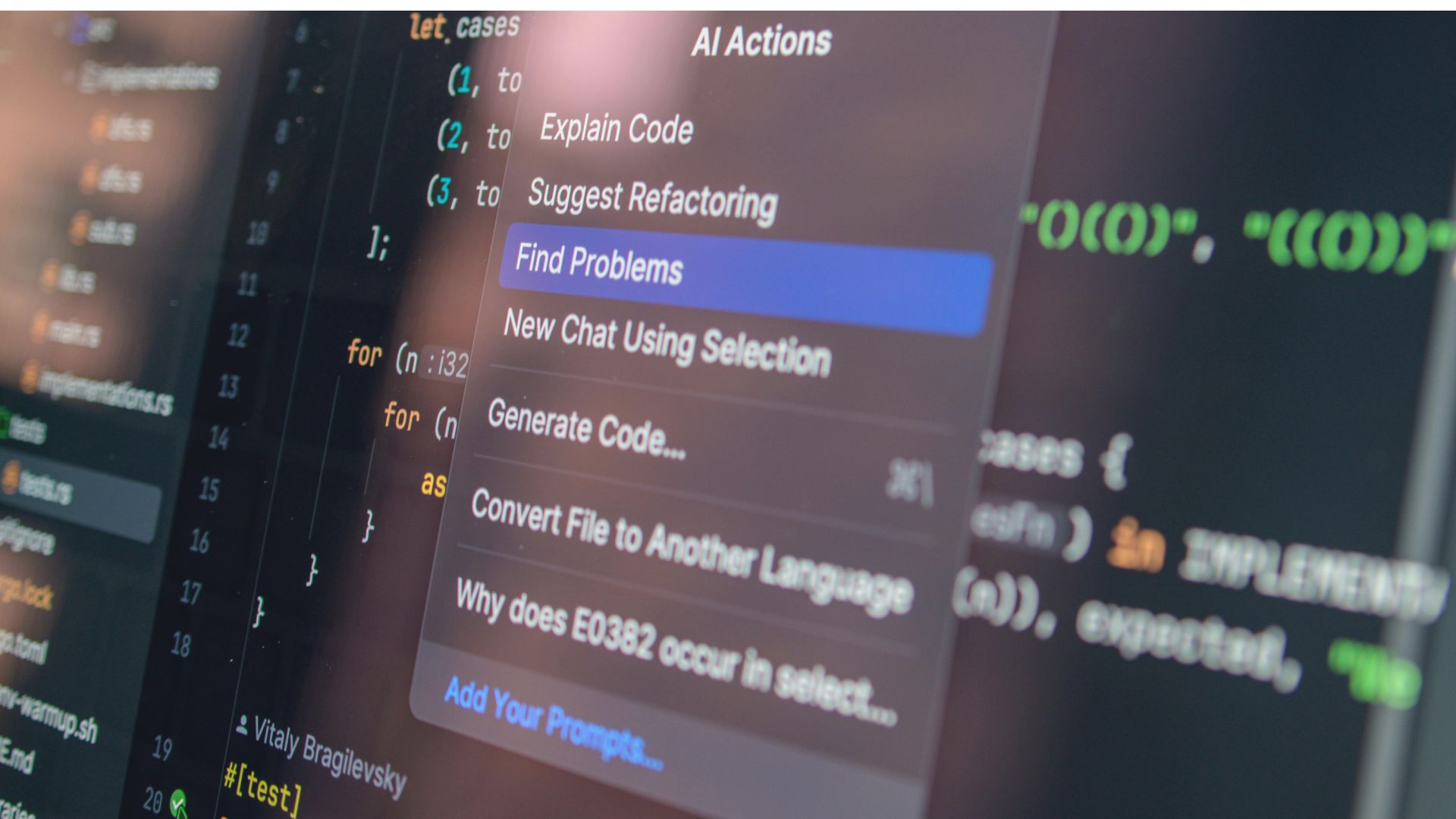
AI-assisted coding has rapidly moved from experimentation to everyday practice. Tools like Codex and Claude Code are helping developers generate code, debug issues, and even scaffold entire features in seconds. What once required hours of manual effort can now be achieved through a few well-crafted prompts.
As these tools become more common, many teams are also exploring platforms like Nimbalyst to bring more structure and visibility to AI-driven development. This reflects a broader shift toward workflows that combine intelligent coding agents with organized execution.
However, as adoption grows, so does complexity. Modern AI-driven development is no longer a simple back-and-forth interaction. It involves multiple iterations, evolving requirements, and constant context switching between tasks, files, and conversations. Developers are not just writing code anymore they are managing workflows powered by AI agents.
This shift exposes a core limitation: text-based interfaces alone are not enough. Chat-style interactions may work for quick tasks, but they struggle to support structured, multi-step development processes. What’s missing is a visual layer that brings clarity, organization, and control. A visual workspace fills that gap by turning scattered interactions into a cohesive workflow.
The Shift from Traditional Coding to AI-Assisted Development
Traditional coding was largely linear. Developers wrote code, tested it, and refined it step by step. The process was structured around files, editors, and version control systems that made changes visible and manageable.
With AI-assisted development, the workflow has changed. Developers now collaborate with AI agents to generate and refine code. Instead of writing everything manually, they guide the process through prompts and instructions. This introduces a new pattern: prompt → output → iteration.
While powerful, this cycle can quickly become difficult to manage. Each iteration may introduce changes across multiple files or concepts, and keeping track of what was generated, modified, or discarded becomes increasingly complex.
Chat-based interfaces amplify this problem. They are inherently linear, making it hard to revisit earlier steps, compare iterations, or manage parallel tasks. As projects grow, this linear structure becomes a bottleneck rather than a benefit.
Key Challenges in Current AI Coding Workflows
Fragmented Sessions and Context Loss
One of the most common issues in AI coding workflows is fragmentation. Developers often work across multiple conversations with different AI agents or sessions, each containing important context.
Over time, it becomes difficult to keep track of what decisions were made, which outputs were accepted, and how the current state of the project evolved. Important details get buried in long chat histories, leading to repeated work or inconsistent results.
Lack of Task and Workflow Organization
AI tools are excellent at generating outputs, but they rarely provide a structured way to manage tasks. Developers still need to define goals, break them into steps, and track progress manually.
This often leads to juggling between multiple tools—notes, task managers, code editors, and chat interfaces without a unified system. The result is a fragmented workflow where organization depends entirely on the user rather than the tool.
Poor Visibility into Changes
When AI generates or modifies code, understanding those changes is critical. Yet many interfaces present outputs as complete blocks of text, without clearly showing what was added, removed, or updated.
This lack of visibility increases the risk of errors. Developers may accept outputs without fully reviewing them, simply because tracking changes is too time-consuming. Over time, this can impact code quality and maintainability.
Limited Collaboration Between Humans and AI
Despite their capabilities, AI agents are often treated as isolated tools rather than collaborative partners. Interaction is limited to prompts and responses, without a shared environment for building and refining work together.
There is no centralized space where developers can iterate, review, and guide AI contributions in context. As a result, collaboration feels disjointed, and the potential of AI as an active participant in the development process remains underutilized.
What Is a Visual Workspace in AI Coding?
A visual workspace in AI coding is a structured environment where developers can manage and interact with AI-assisted work beyond a simple chat window. Instead of relying on a linear conversation thread, it gives users a clear interface to organize ongoing work, review outputs, and move projects forward with more control.
In practical terms, a visual workspace brings several essential elements together in one place:
- Sessions: Separate conversations or agent runs tied to specific goals or features
- Tasks: Actionable work items with priorities, status, and next steps
- Files: Source code, documentation, assets, and supporting materials
- Outputs: AI-generated code, edits, suggestions, summaries, or revisions
This creates a more usable development environment where work is visible and connected.
Traditional chat-only interfaces are useful for quick prompts or one-off coding help, but they can become limiting in larger projects. Important context gets buried in conversation history, files remain disconnected from discussions, and tracking progress requires extra manual effort. A visual workspace solves this by turning scattered interactions into an organized system.
Core Benefits of a Visual Workspace for AI Coding
Centralized Session Management
AI-assisted development often involves multiple conversations across different tasks. One session may focus on debugging, another on documentation, and another on building a new feature.
A visual workspace helps manage these interactions in one place. Developers can switch between sessions without losing context, making it easier to continue work exactly where they left off. This reduces repetition and keeps complex projects organized.
Structured Task Management
Generating code is only one part of software development. Teams still need to define priorities, break down work, and track completion.
A visual workspace makes this easier by organizing development work into clear tasks. Users can connect tasks to sessions, files, and outputs, creating a workflow that is easier to follow. It also improves iteration tracking, so teams can see what has changed and what still needs attention.
Visual Editing Across Multiple Formats
Modern product development involves more than code. Teams regularly work with markdown documentation, UI mockups, diagrams, spreadsheets, and planning materials.
A visual workspace supports editing across multiple formats such as markdown, code, diagrams, mockups, and CSVs. This offers far better clarity than reviewing raw text pasted into a chat interface. Users can understand content faster and make more accurate changes.
Clear Review of AI-Generated Changes
AI-generated outputs should be reviewed carefully before they are accepted. Without clear comparisons, it can be difficult to know exactly what changed.
That is why inline diffs are valuable. They show additions, deletions, and edits directly in context. Developers can then accept, reject, or refine changes with confidence. This creates a safer and more efficient review process.
Parallel Workflows with Multiple Agents
Many teams now use AI for several tasks at once, such as writing tests, generating documentation, and prototyping features.
A visual workspace supports multiple agent sessions running in parallel. Instead of waiting for one conversation to finish before starting another, users can run simultaneous workflows. This speeds up experimentation and shortens development cycles.
Improved Collaboration
AI coding is no longer limited to developers alone. Product managers, designers, and builders also contribute to modern workflows.
A visual workspace improves collaboration by giving everyone shared visibility into tasks, outputs, and decisions. Developers can review technical work, product managers can track progress, and AI agents can assist within the same environment. This creates smoother coordination across the entire team.
How Nimbalyst Enhances AI Coding Workflows
As AI-assisted development becomes more advanced, many teams need more than a chat interface to manage real project work. Nimbalyst addresses that gap by providing a visual workspace designed for building with Codex and Claude Code. Instead of scattering conversations, files, and action items across separate tools, it brings sessions, tasks, and project assets into one organized environment.
The platform supports visual editing across formats that modern teams actually use, including markdown, code, diagrams, mockups, CSVs, and Excalidraw. This makes it easier to review and refine work in context rather than dealing with raw text outputs alone. It also helps users review AI-generated changes through inline diffs, allowing them to accept, reject, or manually edit updates before moving forward.
Another practical advantage is support for multiple agent sessions running in parallel. Teams can explore ideas, debug issues, or generate documentation simultaneously without losing oversight. That makes it useful not only for developers, but also for builders and product managers who need clearer coordination across AI-driven workflows.
Why Visual Workspaces Will Become the Standard
AI-assisted development is becoming more capable, but also more complex. Projects often involve multiple agents, repeated iterations, changing requirements, and collaboration across technical and non-technical roles. Managing all of this through isolated chat threads is increasingly inefficient.
Teams now need transparency, control, and structure. They need to see what changed, understand why decisions were made, and keep progress connected to tasks and files. Visual workspaces solve these problems by making workflows easier to manage and easier to trust.
The industry is also moving beyond simple prompting. Success now depends on orchestrating workflows coordinating agents, reviewing outputs, managing tasks, and guiding execution across several moving parts. That requires better interfaces than chat alone can provide.
Final Thoughts
AI coding tools can generate impressive outputs, but productivity depends on more than generation alone. Teams need visibility into changes, control over iterations, and a clear system for managing ongoing work.
That is why structured, visual workflows are likely to define the next phase of AI-assisted development. As coding workflows continue to evolve, teams that adopt visual workspaces will be better positioned to move faster, collaborate more effectively, and maintain higher standards of quality.
